If you want this decided for you: get the VIOFO A229 Pro 2CH and budget another twenty dollars for the hardwire kit. That is the pick for most trucks. But what nobody writing about the best dash cam for Ford F150 owners tells you is that choosing the camera is the easy half. The hard half is power. The connector behind your mirror looks like the obvious place to tap, and it is — right up until you park and find the camera switched off with the ignition. I have wired cameras into both the 2013–2020 trucks and the current Gen-14, and this guide is mostly about getting that part right.
As an Amazon Associate, Top10Great earns from qualifying purchases. This post contains affiliate links, which means we may receive a commission if you buy through our links, at no extra cost to you.
Best dash cam for Ford F150: the short list
| Camera | Best for | Key spec | Price | Link |
|---|---|---|---|---|
| VIOFO A229 Pro 2CH | Best overall | 4K front + 2K rear, dual STARVIS 2 | $$ | Check price |
| REDTIGER F7NP | Best budget | 4K front + 1080p rear, card included | $ | Check price |
| VIOFO A229 Pro 3CH | Best premium / work truck | Adds 1080p IR interior camera | $$$ | Check price |
| Fitcamx 4K + 1080p (2021–2025) | OEM look, Gen 14 | Mirror-shroud replacement, plug & play | $$ | Check price |
| Fitcamx 4K + 1080p (2013–2020) | OEM look, Gen 13 | HD2-6275 shroud fitment | $$ | Check price |
| VIOFO A119 Mini 2 | Best front-only | 2K/60fps, supercapacitor | $ | Check price |
VIOFO A229 Pro 2CH — best overall
4K front, 2K rear, both on Sony STARVIS 2 sensors. The rear sensor is the part that matters: most dual kits pair a good front camera with a cheap 1080p rear that turns plates to grey smudges under job-site lighting.
- Plates stay readable at night front and rear — the whole point of a rear camera in a parking-lot bump.
- Buffered parking mode records the seconds before impact, so you catch the truck backing into you, not its tail lights leaving.
- Low, flat body tucks under the Co-Pilot360 housing without hanging into your sightline.
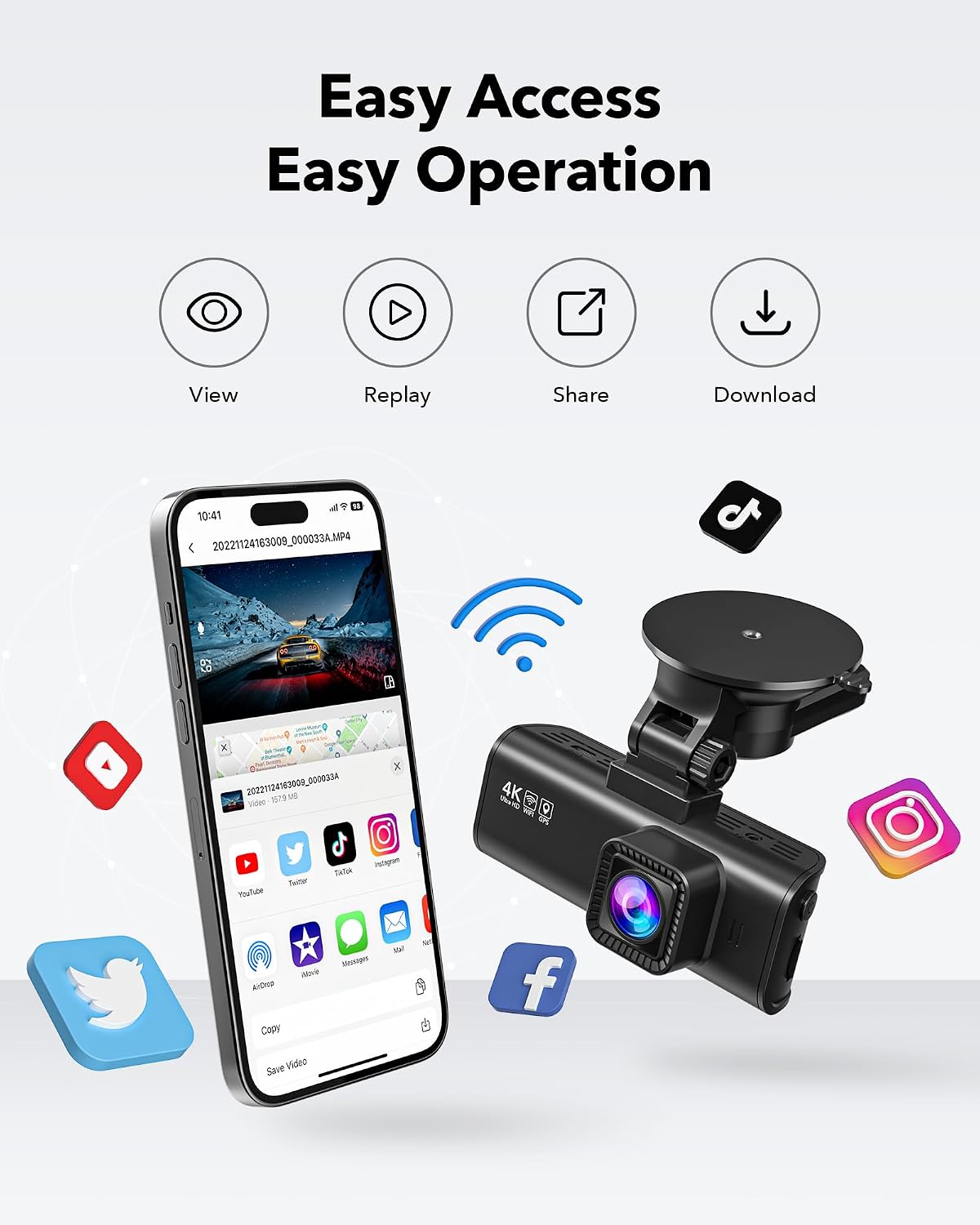
- 5GHz Wi-Fi, so pulling a clip off the card is not a ten-minute wait in the driveway.
Honest cons: parking mode needs VIOFO’s separate HK4 hardwire kit, which is not in the box. The app is clunky, downloads are slow, and its Wi-Fi can scrap with CarPlay unless you drop Bluetooth first. It ships cardless, and VIOFO publish a list of consumer microSD cards returned to them failed — buy a high-endurance card.
Buy it if you want one camera for both driving and parked incidents and you will run a fuse tap.
REDTIGER F7NP — best budget
4K front, 1080p rear, GPS, a 3.16-inch screen and a card in the box, and it spends most of the year under a hundred dollars.
- The screen earns its keep on a truck — you can aim a high-mounted camera over a tall hood without squinting at a phone.
- Card included, which is rarer than it should be.
- Cheap enough that a rear channel on the cab glass stops being a budget decision.
Honest cons: the Wi-Fi and app are the weak point — owners report it failing to auto-connect and dropping mid-session. Rear night footage is softer than the VIOFO’s, and on a crew cab with a long bed the rear cable is tight, so measure first. The adhesive mount has been reported letting go in summer heat.
Buy it if you want front and rear coverage for the price of one good camera.
VIOFO A229 Pro 3CH — best premium
The three-channel version adds a 1080p infrared interior camera on the same card and app. It earns its price only if the cab needs to be on record — crews, passengers, rideshare. Pros: same STARVIS 2 road-facing channels, IR that works in a dark cab, tidier than bolting a second camera to the headliner. Honest cons: the cabin channel is the one most owners quietly stop looking at, three channels fill a card fast (plan on 256GB), there is no low-power hybrid parking mode — VIOFO’s newer A329S has it — and like the 2CH it needs the HK4 kit.
Fitcamx 4K + 1080p rear, 2021–2025 — best OEM look for the Gen 14
This one replaces the plastic shroud around your mirror, so the camera becomes part of the truck: nothing on the glass, no cable down the A-pillar, nothing visible from outside worth breaking a window for. The listing covers F-250 Super Duty too.
- Invisible. On a truck that sits in a job-site lot overnight, that beats a spec sheet.
- Plug-and-play off the factory mirror connector — no fuse tap, no test light. Owners report about ten minutes for the front unit.
- 128GB card included on the current listing.
Honest cons, and they are why this is not my overall pick: the mirror connector is ignition-switched, so on the standard harness there is no parking mode. Fitcamx’s own answer is “No — if required, please contact us to purchase a fuse box kit.” Owners who did hardwire it report the parking mode is crude and cannot be toggled in the app. The app also needs Bluetooth disabled to pair, and the rear cable passes the A-pillar curtain airbag.
Buy it if you want a factory look and mostly care about what happens while driving.
On a 2013–2020 truck? Fitcamx make the same 4K + 1080p kit for those years, with one fitment trap: they split them by whether there is a screw behind the mirror cover, and that ASIN is the HD2-6275 “has screw” version. Pop your cover and look before ordering — the shrouds are not interchangeable, and the listed year ranges will not tell you which you have.
VIOFO A119 Mini 2 — best front-only
2K at 60fps on a STARVIS 2 sensor, GPS, parking mode, and no internal battery — it runs on a supercapacitor, which is the real argument for it. A parked truck in July is a hot box, and heat is what kills battery-based cameras. 60fps at 2K also freezes plates better than 30fps at 4K in most real grabs, and the body disappears beside the mirror housing. Honest cons: front only with no rear channel to add later, no screen (aim it with the phone app), and 2K rather than 4K. If you want smaller still, the Garmin Dash Cam Mini 3 is key-fob sized with a built-in polarizer, but it is 1080p and parking needs Garmin’s constant-power cable. Buy it if your bed is usually loaded or covered — see the rear-camera note below.
F150 dash cam hardwire: where the power actually is
The mirror tap is switched, not constant
There is a connector on the back of the F-150’s rearview mirror, and tapping it is the cleanest install you will ever do: angle the mirror down, lift the tab, pull the plug, insert a Dongar 16-pin Type A adapter, plug the camera into its USB port. Five minutes, no trim off.
Two things to know first. It needs the OEM auto-dimming mirror — the adapter is listed for 2009–2026 F-150s that have one, and a base XL with a plain manual mirror has no connector behind it to tap. And Dongar’s own documentation says the USB port “will turn on and off with your vehicle.” That is switched power: perfect for driving footage, useless for parking mode. If what worries you is the truck sitting in a lot while you are inside a building, you need a fuse tap or a battery pack instead.
F150 add-a-circuit fuse box: where the panel really is
Here is where most articles on this keyword will send you to the wrong side of the cab. Both published Ford fuse-box references for the 13th and 14th generation put the passenger-compartment (body control module) fuse panel on the right side of the passenger footwell, behind a trim panel — you pull the trim toward you, then the panel cover. Several of the pages ranking for “best dash cam for Ford F-150” tell you it is left of or under the steering column. Check your own owner’s manual for your year and trim before you start pulling trim.
I am deliberately not giving you fuse numbers: slots shift by year, trim and cab configuration, and a wrong number on someone else’s truck is worse than telling them to test it. Put a test light on the candidates — one slot that goes dead with the key out for your switched lead, one that stays live for your constant lead. One warning specific to these trucks — the body control module box carries a 10-amp delayed accessory circuit, which stays hot after key-off until you open a door. If you tap that as your switched source, the camera will keep running in the driveway for a while after you have walked away, and some cameras handle that transition badly. Find a true run/accessory circuit instead.
Grounding an aluminum-bodied truck
Since 2015 the F-150’s body panels are aluminium over a steel frame. Do not self-tap a ground screw into whatever bare metal you can reach — put the ring terminal under an existing factory bolt on the steel dash structure behind the trim. Dissimilar metals plus road salt plus a damp footwell is how you get a ground that works for a year and then gives you a camera that reboots over every expansion joint.
Routing, the ADAS camera, and where the rear camera goes
Route up into the headliner above the mirror, across to the driver’s A-pillar, then down the edge of the pillar trim to the kick panel. The curtain airbag runs down that pillar — tuck the cable at the trim edge, never behind or across the airbag.
Mount the camera below or beside the Co-Pilot360 housing, not in front of it or on top of it. That housing holds the forward-looking camera for lane keeping and pre-collision assist, and blocking it is how you end up with warning lights. Check the cluster for ADAS messages before you put the trim back.
And the pickup-specific one every generic roundup misses: on a crew cab the “rear” camera mounts to the cab’s rear glass, not the tailgate. A tonneau cover, a camper shell, a cargo rack, or a bed loaded above the rails blocks it completely. If your bed is usually full or covered, a front-only camera is not a downgrade — it is the correct choice, and you should spend the saved money on a better front sensor.
What matters when choosing a Gen 14 F150 dash cam
Power source first, camera second. Decide whether you need parking coverage before you pick a camera. Mirror tap means driving footage only; a fuse tap or battery pack means parking mode, and that in turn means you want buffered parking and an available hardwire kit.
Rear sensor, not just front resolution. 4K front with a budget 1080p rear is a common configuration and a weak one. If the rear channel exists to identify whoever hit you in a lot, it needs a real low-light sensor.
Supercapacitor over internal battery if the truck lives outside. Heat is the usual cause of a camera that quietly stopped recording months before you noticed.
Voltage cutoff. Hardwiring for parking mode, set it no lower than about 11.8–12.0V. A PowerBoost changes nothing here — the camera still runs off a conventional 12V battery, and nothing tops it up while the truck sleeps. For more than a few hours parked, a battery pack beats a flat truck.
Card endurance. Buy a high-endurance microSD rated for surveillance writes and reformat it every couple of months. A dead card is the usual reason there is no footage of the one incident you needed.
FAQ
Is the camera behind my F-150’s mirror already a dash cam?
No. That is the Co-Pilot360 forward-looking camera for lane keeping and pre-collision assist, and it records nothing you can retrieve.
Where should I mount a dash cam on an F-150?
Below or just beside the mirror housing, high on the glass and inside the wiper sweep — never in front of or on top of the ADAS housing.
Will a dash cam drain my F-150’s battery?
Not while driving, and not in parking mode with the cutoff set at around 11.8–12.0V. It will if you tap a constant circuit with no voltage protection, or expect many hours parked on a stock battery.
Can I hardwire through the rearview mirror for parking mode?
No. That circuit switches off with the vehicle. Parking mode needs a fuse-panel tap with a constant lead, or a separate battery pack.
Do I need a 3-channel camera for a work truck?
Only if the cab needs to be on record. Otherwise that money is better spent on a stronger rear sensor.
Verdict
For most F-150 owners the VIOFO A229 Pro 2CH plus the HK4 hardwire kit is the right answer: a good rear sensor, buffered parking mode, and no illusions about where the power comes from. On a budget, the REDTIGER F7NP gives front and rear with a card in the box for under half the money, and its weakness is an annoying app rather than bad footage. If a clean windshield matters more than parking coverage, the Fitcamx shroud kit is the tidiest install here — just go in knowing it sleeps when the truck does.
Related guides
- Best Dash Cams for the Toyota Tacoma (OEM-Look Fit & Hardwire Guide)
- Best Dash Cams for SUVs in 2026 (Parking Mode, 4K, Budget Picks)
- Best Jump Starters for the Ford F-150 (EcoBoost, 5.0L V8 & PowerBoost)
- Best Phone Mounts for the Ford F-150 (Vent, Dash & No-Drill Fits)